
Description
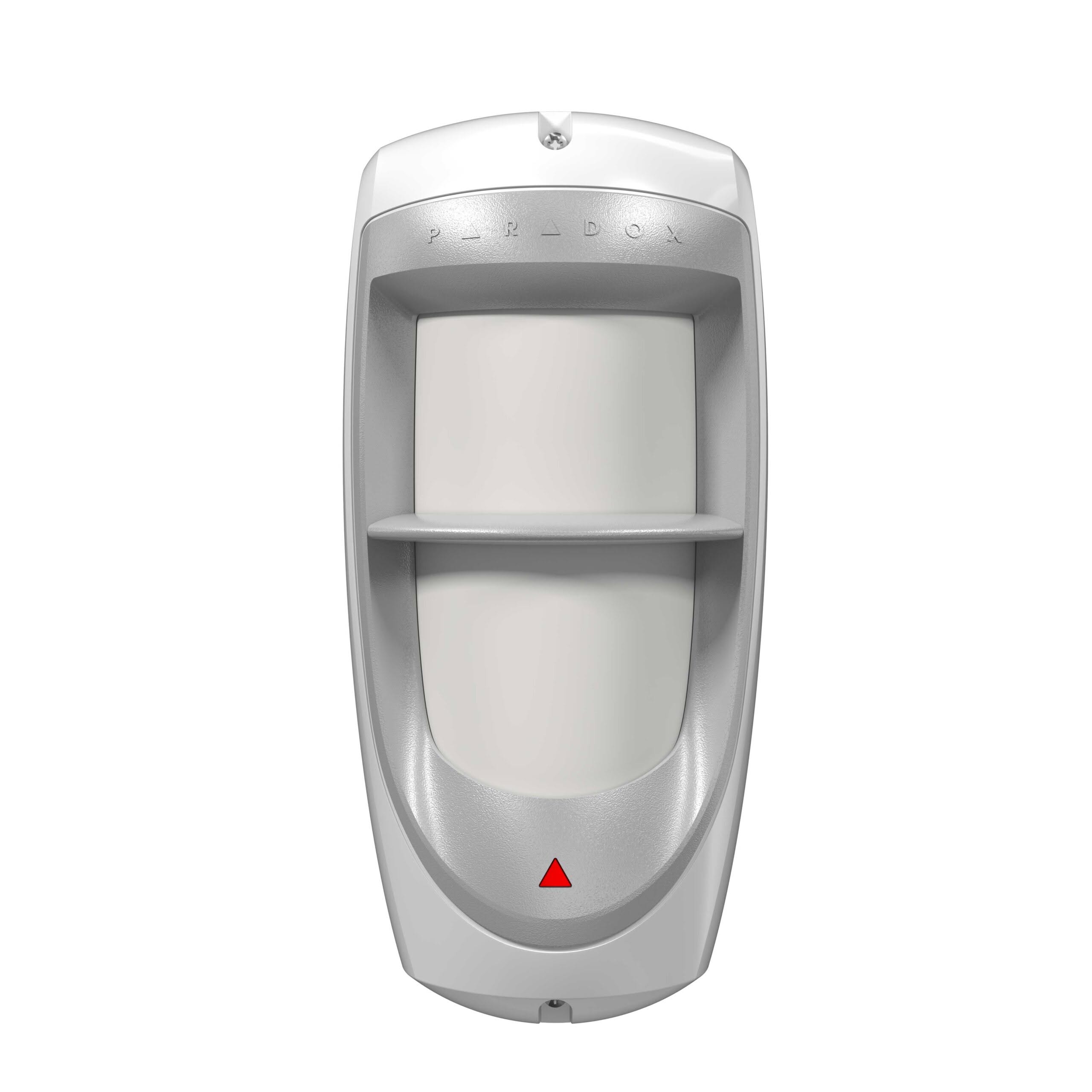
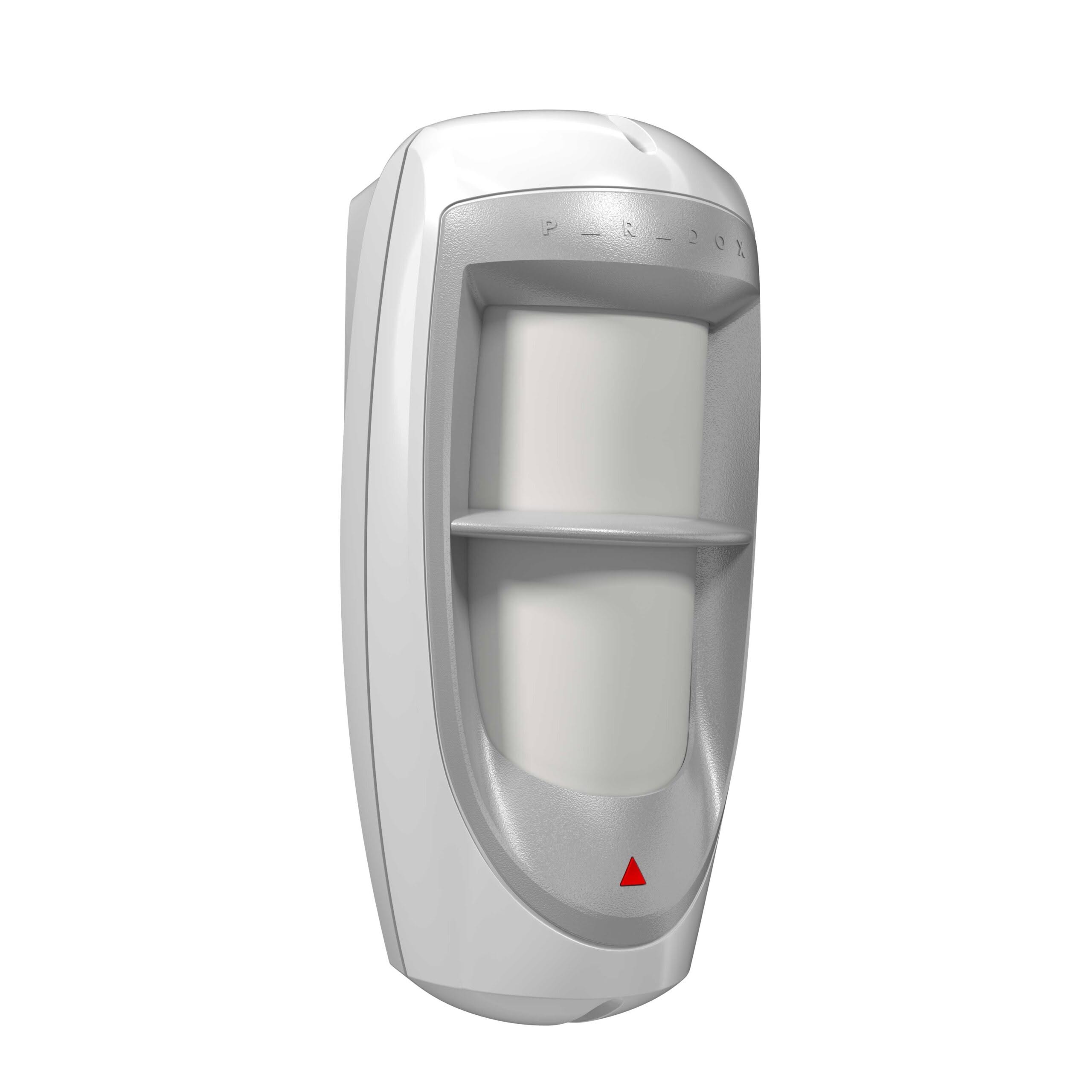
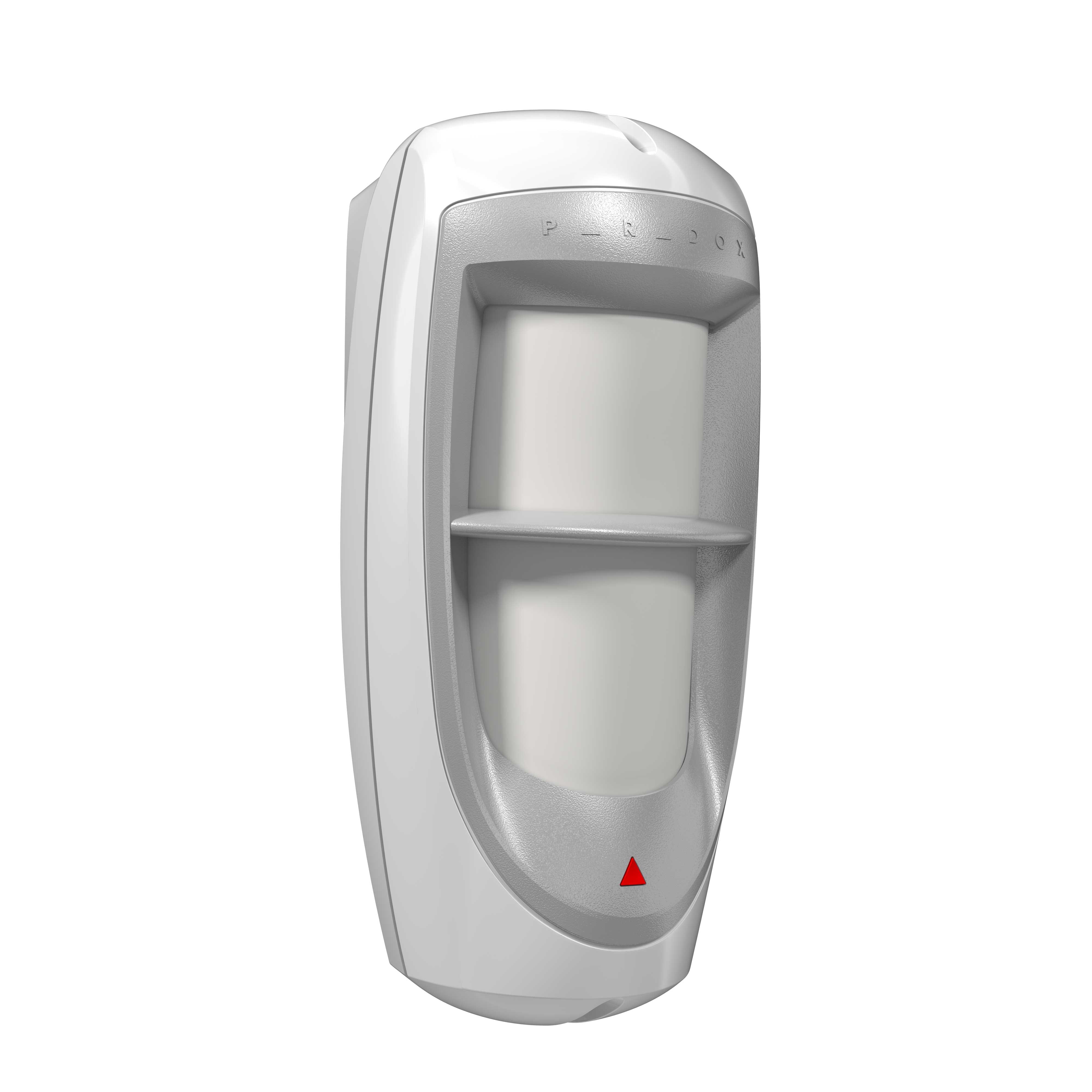
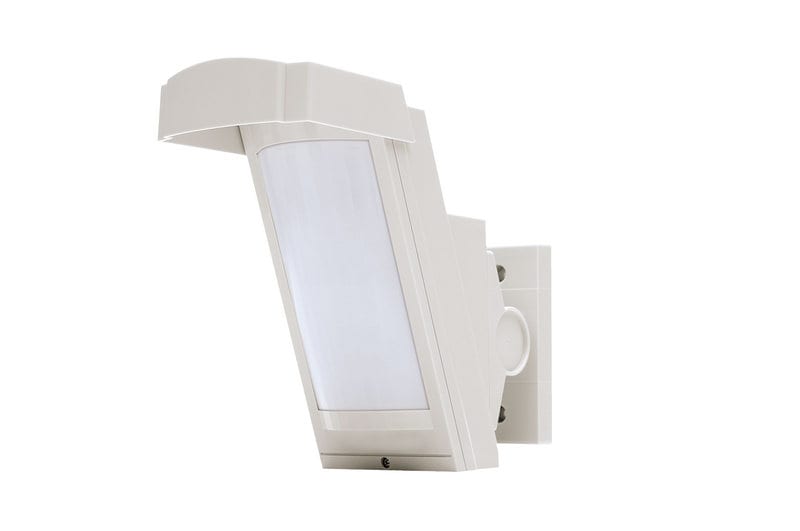
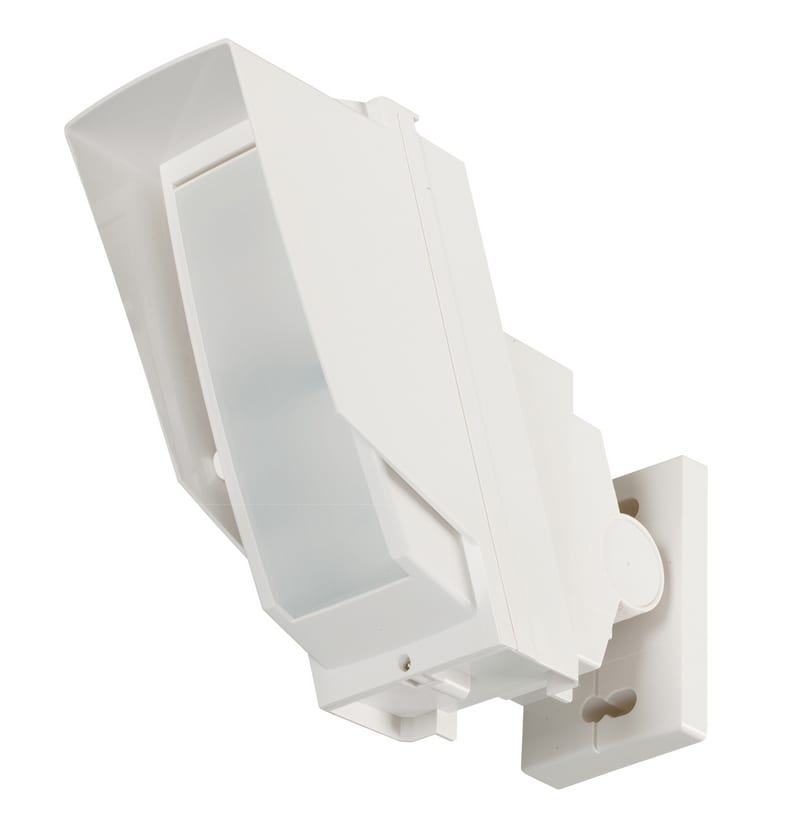
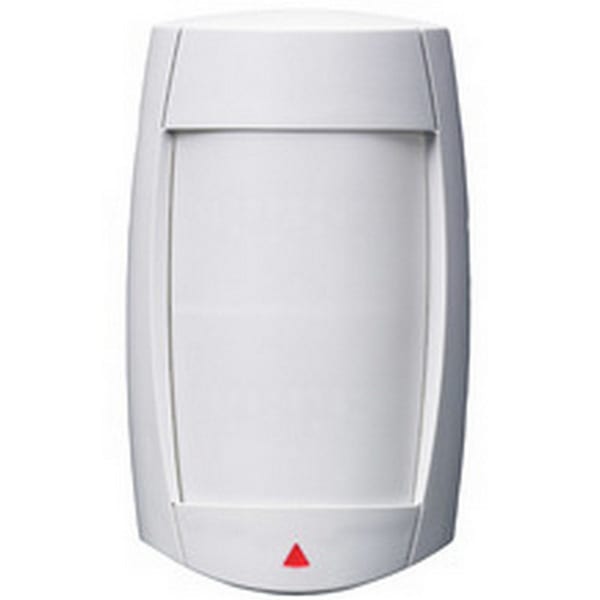
Secure your perimeter with commercial-grade reliability using the Paradox DG85 Outdoor Digital Motion Detector. Engineered specifically for harsh outdoor environments, this hardwired sensor combines a heavy-duty weatherproof housing with advanced digital filtration to eliminate false alarms without compromising on true intrusion detection.
Whether protecting residential backyards, commercial loading docks, or high-security storage areas, the DG85 delivers robust, round-the-clock surveillance you can trust.
Key Performance Highlights
-
- High-Security Dual Optics: Combines two dual-opposed element sensors that cross-analyze signal data to ensure only real human targets trigger an alarm.
- 40kg Advanced Pet Immunity: Smart filtering algorithms automatically ignore dogs, cats, and birds weighing up to 40 kg (90 lbs), keeping your system active without false trips.
- Extreme Weather Resilience: Housed in an impact-resistant, UV-protected casing sealed with an injected rubber gasket, operating reliably from -35°C to 50°C (-31°F to 122°F).
- Wide Detection Range: Delivers a comprehensive 11 m × 11 m (35 ft × 35 ft) coverage zone with a broad 90° viewing angle to maximize single-sensor efficiency.
- Flexible Operational Modes: Features an integrated dual-mode layout supporting Relay Mode for standard dry-contact control panels or Bus Mode for addressable communication with Paradox Digiplex/EVO systems.
Technical Specifications
| Feature | Specification |
|---|---|
| Sensor Type | Digital Dual Opposed Passive Infrared (PIR) |
| Detection Coverage | 11 m x 11 m (35 ft x 35 ft) at a 90° viewing angle |
| Pet Immunity Rating | Up to 40 kg (90 lbs) |
| Operating Voltage | 9 VDC to 16 VDC |
| Current Consumption | 30mA Maximum (Relay) / 40mA Maximum (Bus) |
| Weatherproof Rating | IPX4 certified with injected rubber gaskets |
| Operating Temperature | -35°C to +50°C (-31°F to +122°F) |
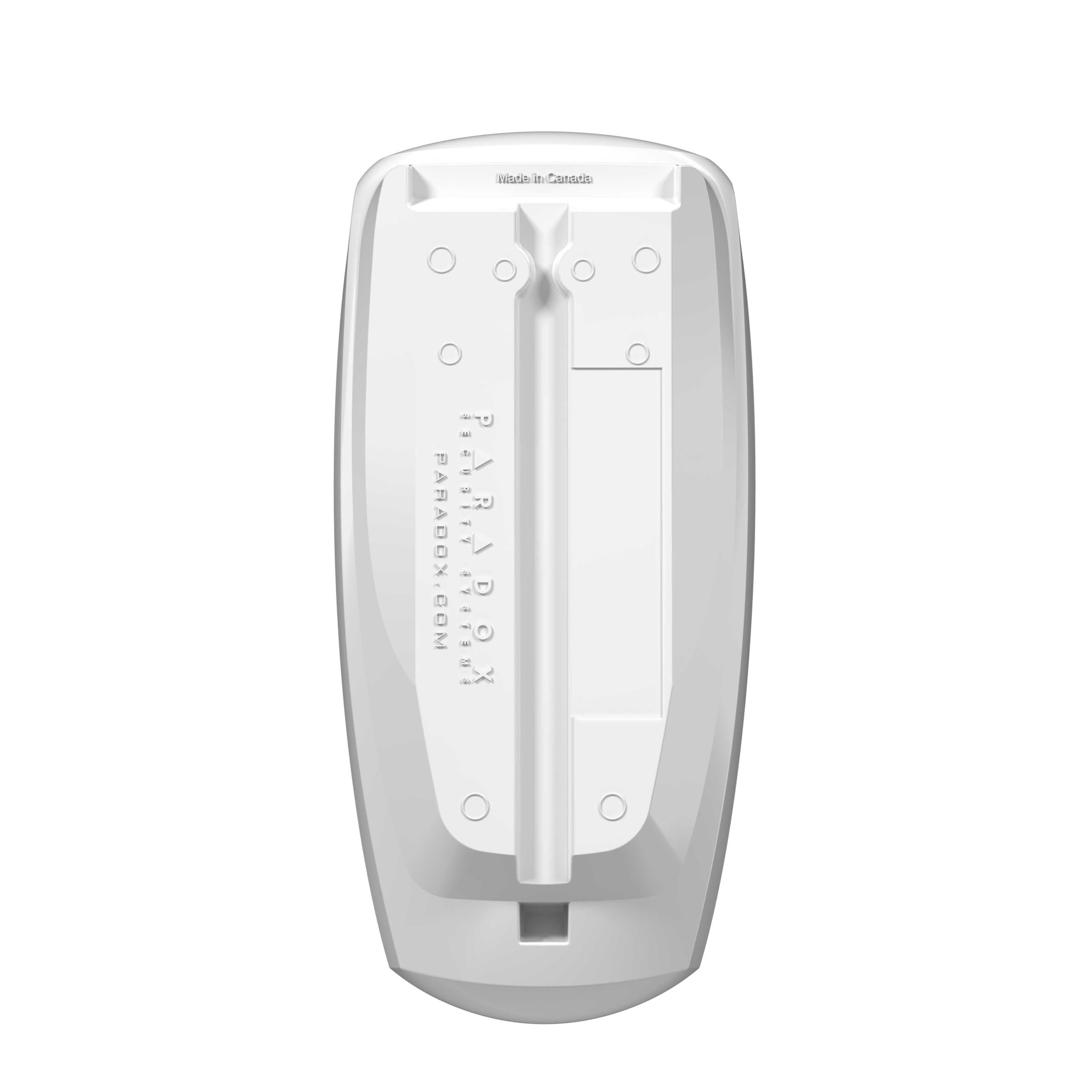
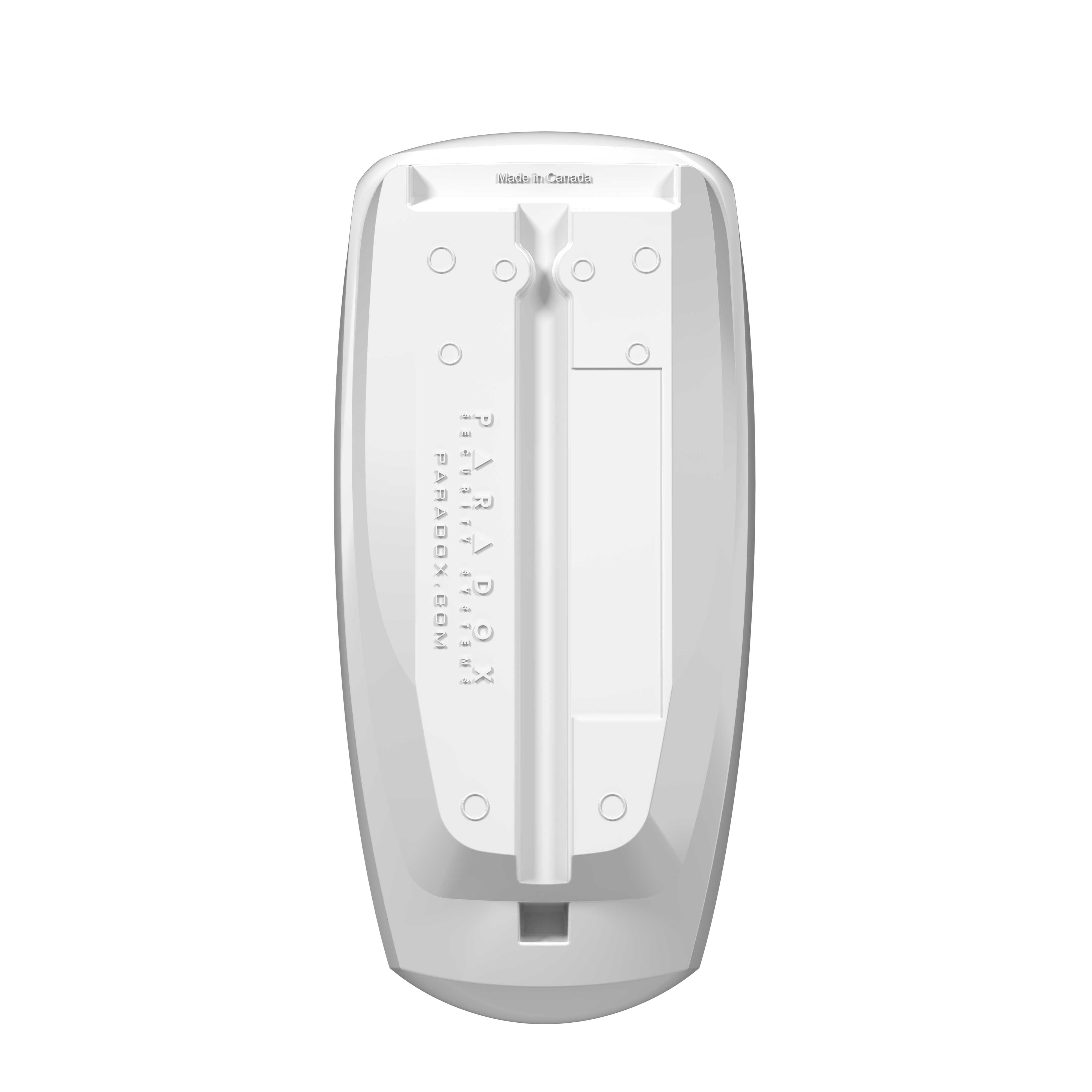
| Mounting Options | Wall/pole mount (Compatible with Paradox SB85 Heavy-Duty Bracket) |
Frequently Asked Questions (Q&A)
Q: Can this sensor be used with non-Paradox alarm systems?
A: Yes. The DG85 features a traditional Relay Mode with standard dry contacts (Form A relay and tamper switch). This allows it to connect directly to almost any hardwired third-party security panel on the market.
Q: What is the benefit of using “Bus Mode” over “Relay Mode”?
A: When connected to a compatible Paradox Digiplex or EVO panel via Bus Mode, the sensor sends encrypted digital data instead of using physical relays. This lets you configure settings, adjust sensitivity, and view status logs remotely from the panel keypad or software, while significantly reducing zone wiring.
Q: Will wind, moving trees, or blowing debris cause false alarms?
A: No. The dual optics technology requires both built-in infrared sensors to register matching, opposite polarities simultaneously. This digital filtering safely ignores swaying branches, blowing leaves, and sudden sunlight shifts.
Q: How high should the Paradox DG85 be mounted?
A: For optimal pet immunity and coverage accuracy, the recommended installation height is 2.1 meters (7 feet). The internal PCB features an adjustable height slider scale to easily align the beam trajectory during setup.
Q: Is the mounting bracket included with the sensor?
A: No, the sensor comes ready for flat wall or surface mounting. If your installation requires precise vertical or horizontal angling, you will need to purchase the Paradox SB85 Heavy-Duty Outdoor Swivel Bracket separately.
Installation & Wiring Guide for the Paradox DG85 Outdoor Digital Motion Detector
Follow this technical guide to ensure optimal detection coverage, robust weather sealing, and reliable wiring connectivity during deployment.
1. Mount Alignment & Placement Rules
- Optimal Height: Install the unit exactly 2.1 m (7 ft) above ground level.
- Positioning: Mount the sensor vertically. Avoid tilting the housing directly toward the sun or highly reflective surfaces.
- Internal Trajectory Adjustment:
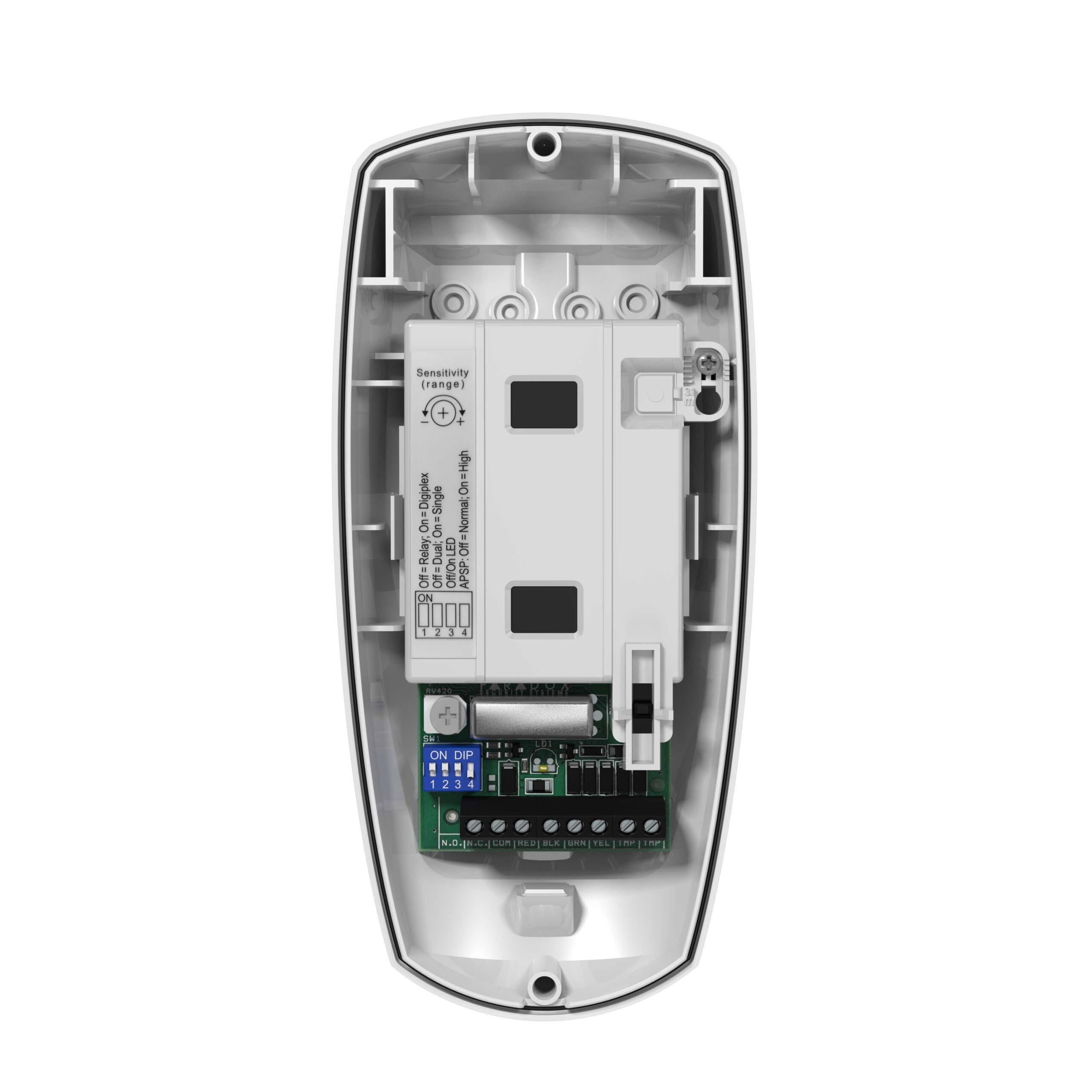
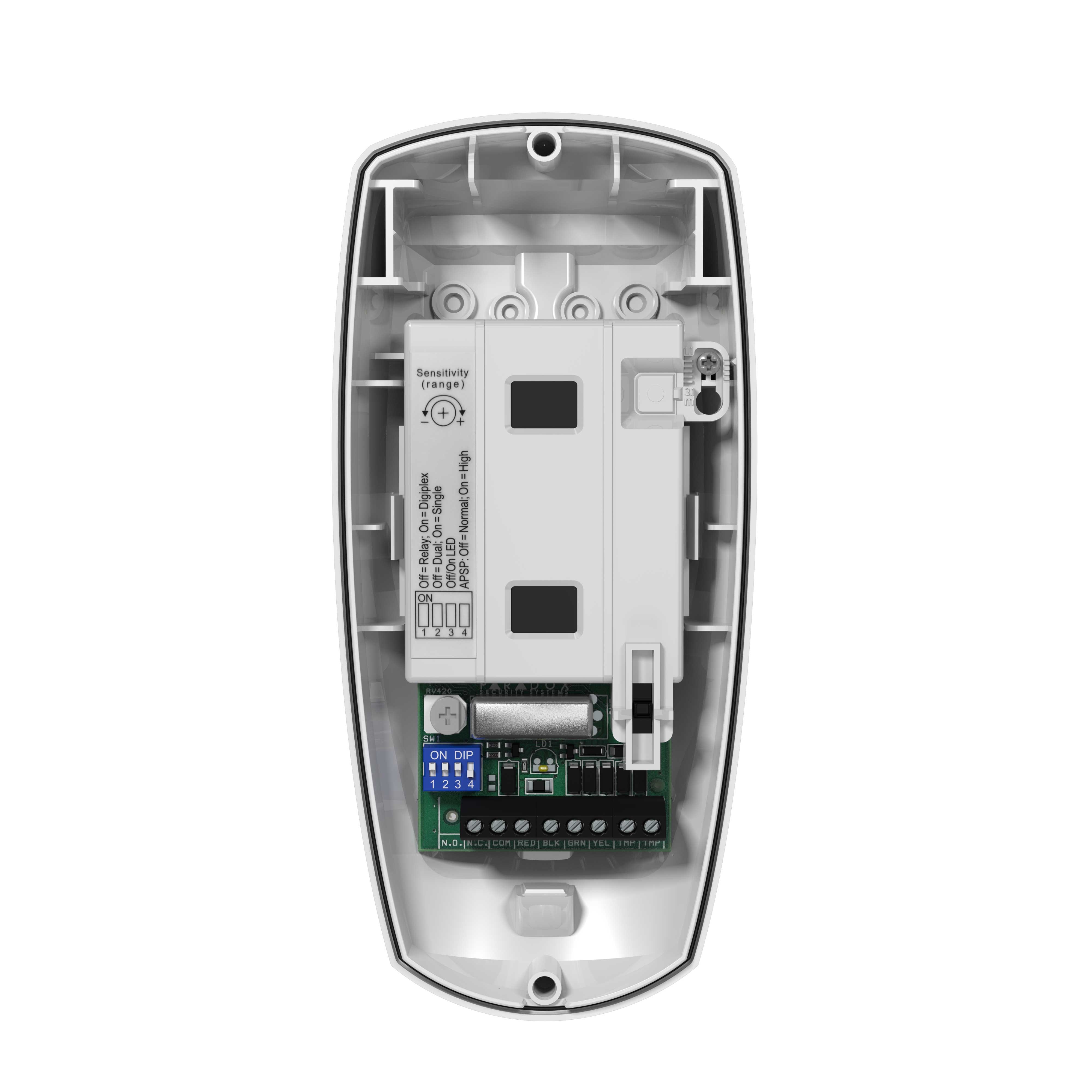
- Loosen the internal PCB retention screw.
- Slide the central green circuit board up or down until the alignment marker matches your physical installation height on the molded index scale.
- Tighten the screw securely to lock the focal path.
2. Weatherproofing & Gasket Assembly
- Cable Entry: Always route your security wire through the dedicated rear rubber knockout boot.
- Drip Loop: Create a slight downward loop in the cable right before it enters the housing. This forces rainwater to drip off the wire instead of tracking inside.
- Perimeter Seal: Ensure the main injected-rubber perimeter gasket is fully seated flat in its channel before snapping and screwing the front cover shut.
3. Terminal Block Wiring Configurations
The DG85 features a removable 6-pin terminal block. Choose the configuration below that matches your control panel architecture:
Option A: Traditional Relay Mode (For Any Standard Alarm Panel)
Use this wiring map to connect the detector to traditional hardwired zone loops.
- RED (+): Connect to 12VDC Auxiliary Power (+) from the panel.
- BLK (-): Connect to Auxiliary Ground (- / COM) from the panel.
- GRN (NC): Connect to one side of your hardwired Panel Zone Loop.
- YEL (COM): Connect to the other side of your Panel Zone Loop (or COM terminal).
- TMP / TMP: Connect these two separate tamper terminals into a dedicated, 24-hour Global Tamper Loop to protect against unauthorized housing removal.
Option B: Addressable Bus Mode (For Paradox Digiplex / EVO Panels Only)
Use this simplified 4-wire combus configuration to manage the sensor digitally.
- RED (+): Connect to RED (+) on the Paradox Combus.
- BLK (-): Connect to BLK (-) on the Paradox Combus.
- GRN (RX): Connect to GRN on the Paradox Combus.
- YEL (TX): Connect to YEL on the Paradox Combus.
- (Note: The physical relay and tamper terminals are ignored in this mode; all diagnostic data and tamper alerts are transmitted over the data bus).
4. Jumper Settings & Fine-Tuning
- LED Jumper: Set to ON during the initial walk-test phase to visibly confirm the target detection limits. Set to OFF for stealth operation and to conserve current draw.
- Sensitivity Dial: Use a small crosshead screwdriver on the internal potentiometer. Turn clockwise to increase infrared sensitivity for wide open areas, or counterclockwise to reduce sensitivity if local foliage or heavy wind creates environmental noise.


Reviews
There are no reviews yet.