









































CCTV
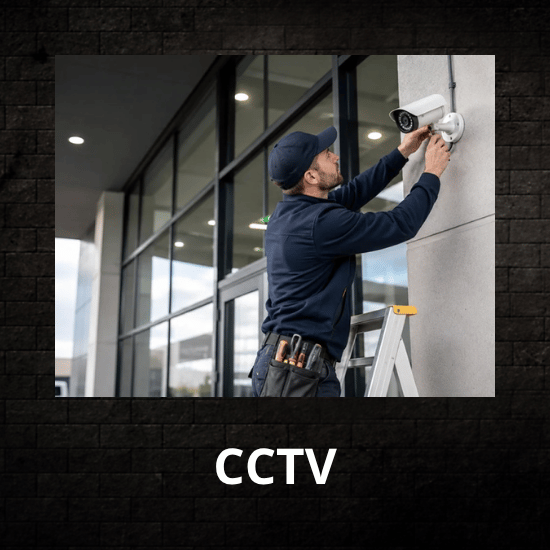
CCTV covers the cameras, recorders, cabling and storage that make up a surveillance system. The main decision is analogue HD over coax with a DVR, or IP cameras over network cable with an NVR, and that choice sets the cabling, the resolution ceiling and how the system grows later.
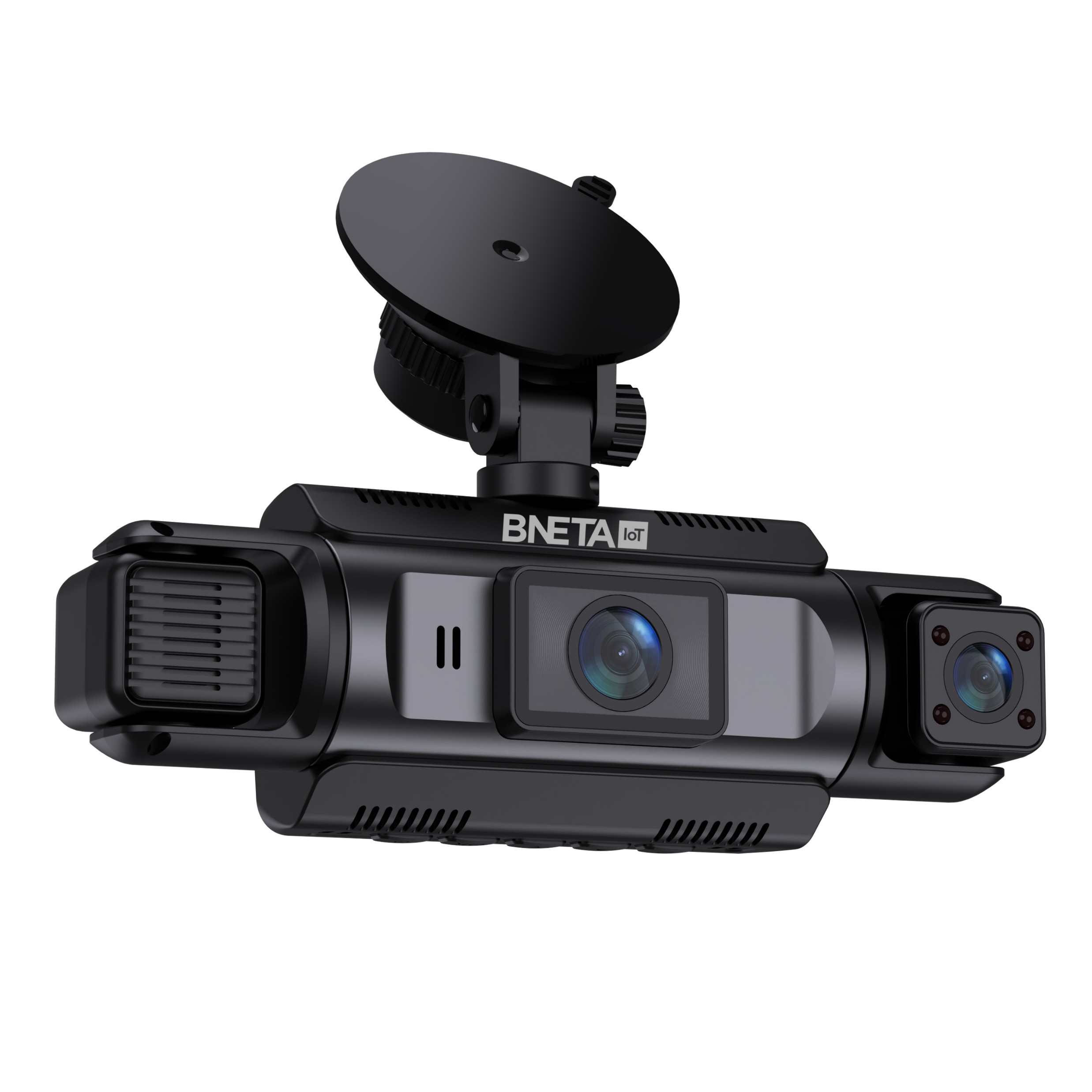
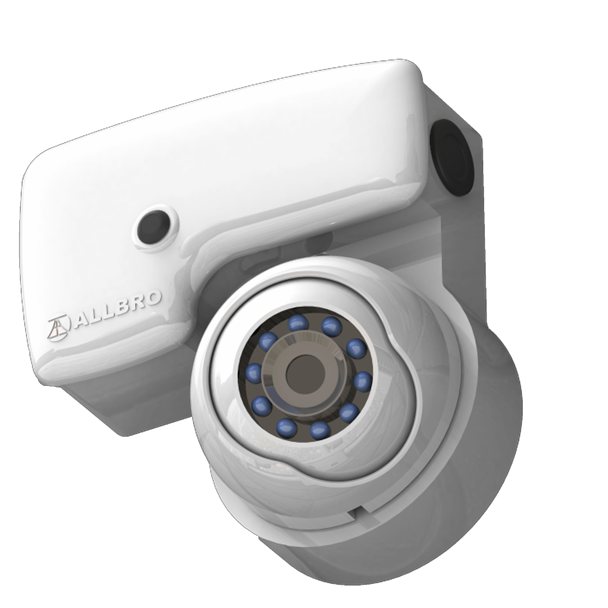
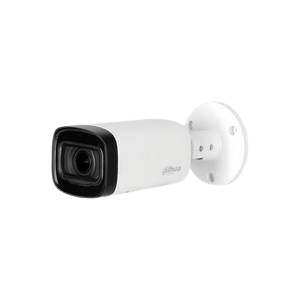
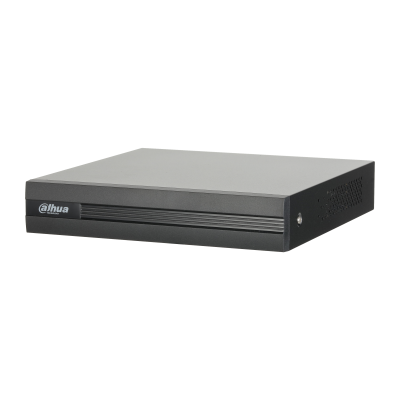
CCTV buying guide
Start with the recorder, not the camera
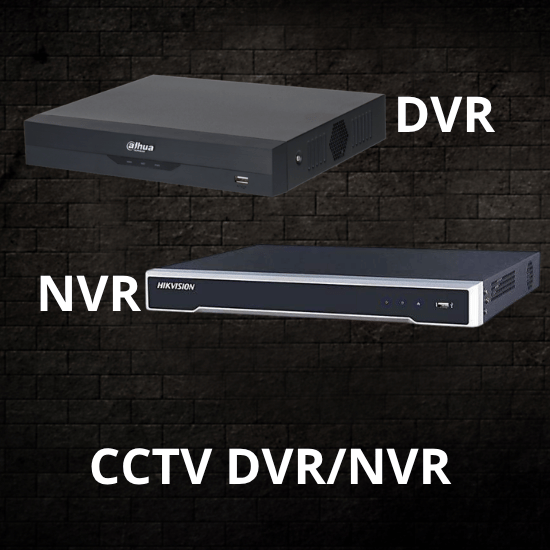
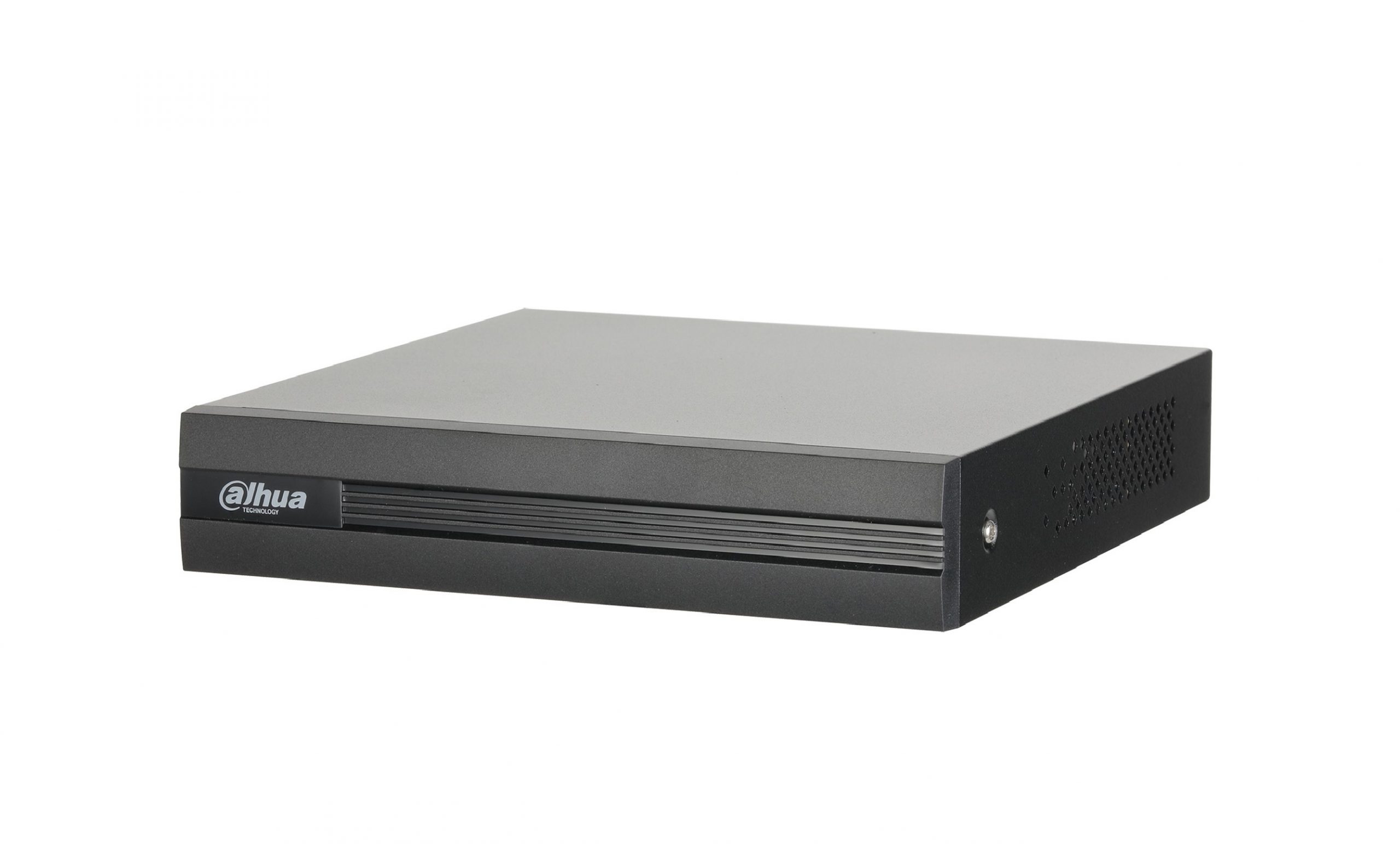
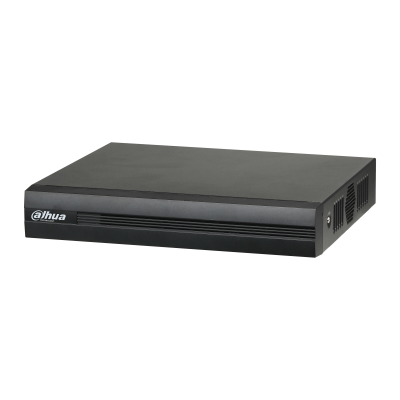
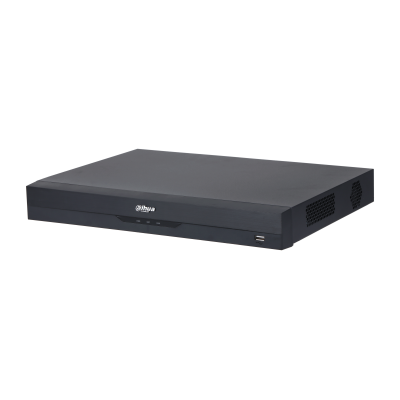
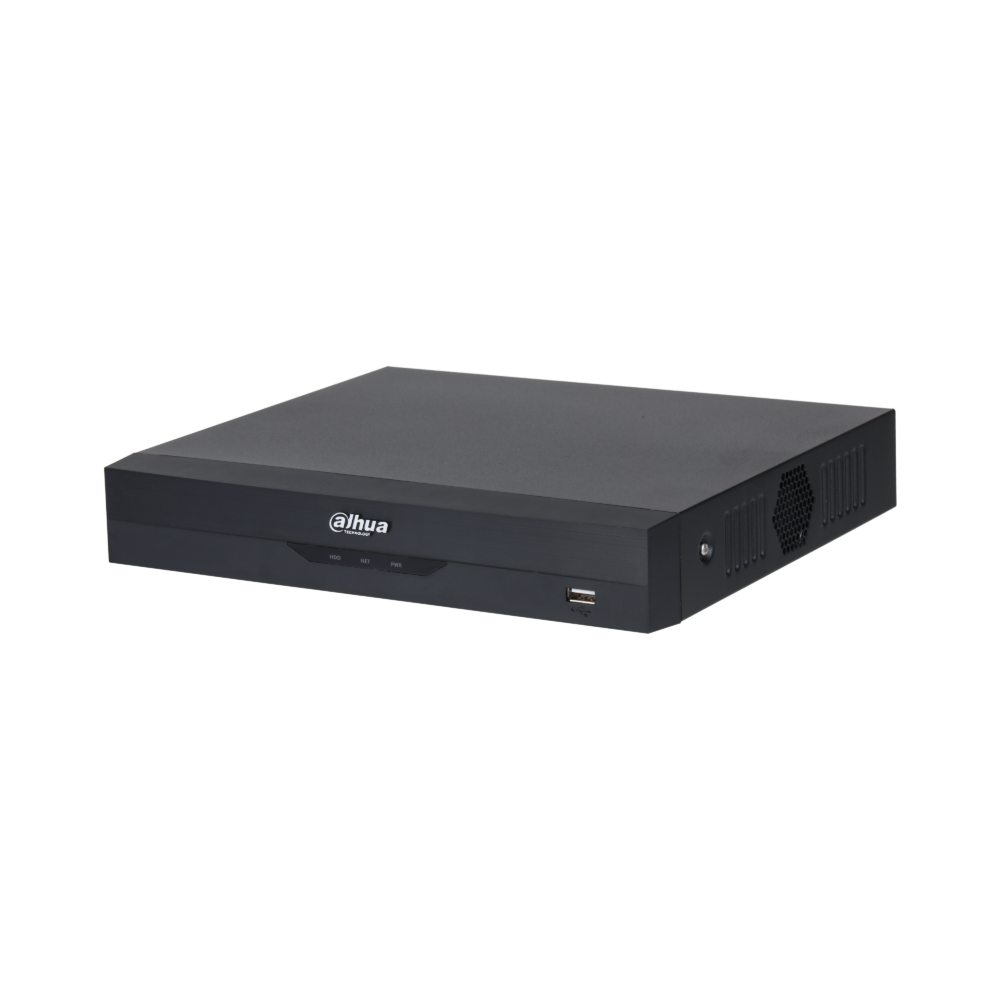
The recorder decides everything else. An analogue HD recorder (a DVR) takes cameras over coaxial cable and suits a property that is already cabled that way. A network recorder (an NVR) takes IP cameras over network cable and usually powers them down the same cable, which means one cable per camera, higher resolutions and analytics such as line crossing and person detection. Mixing the two is possible but rarely worth the complication on a new install.
Count your channels honestly
Buy for the cameras you will have in two years, not the ones going up this week. Going from four channels to eight later means replacing the recorder, while buying an eight-channel now costs a fraction of that. The same applies to power supplies and switches.
Storage is a calculation, not a guess
As a working figure, one 2MP camera recording continuously uses roughly 20GB to 30GB a day, so four cameras want 2TB to 4TB for a fortnight of footage. Motion-triggered recording cuts that sharply. Always use a surveillance-rated drive: a desktop drive is not built for a write that never stops and fails early in this duty.
Night, weather and load shedding
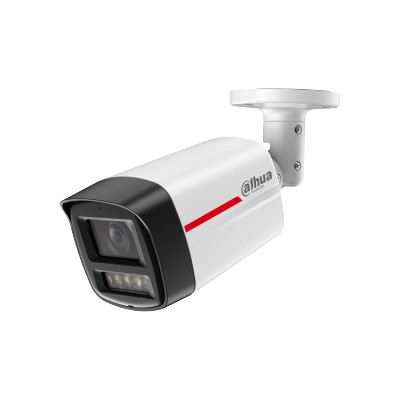
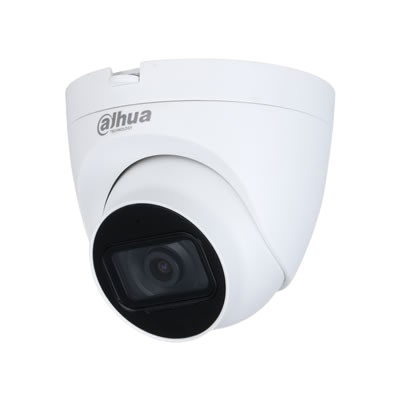
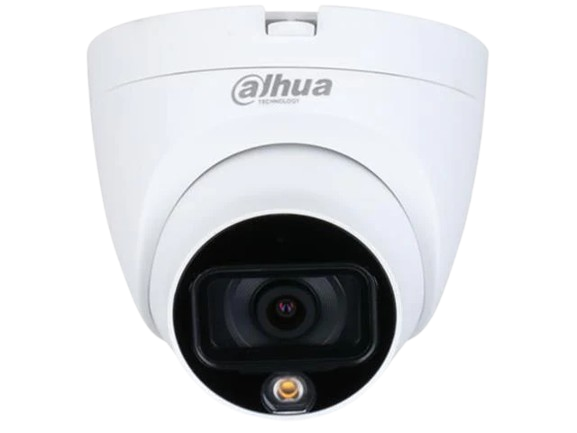
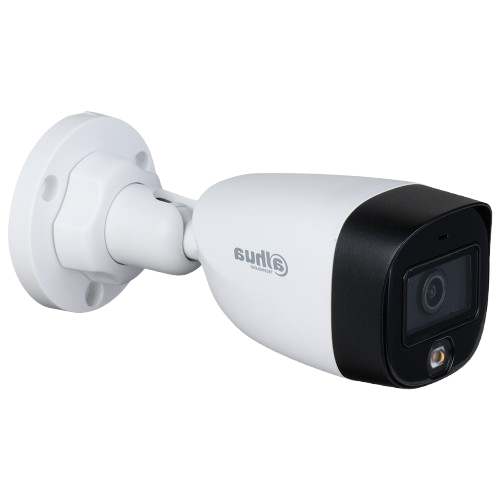
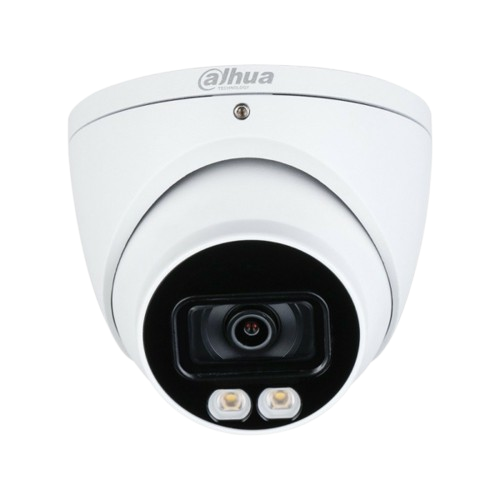
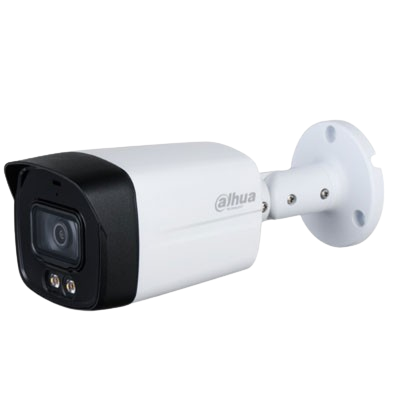
Infrared cameras switch to black and white after dark. Colour night vision keeps colour using a larger sensor and a white light, which matters when you need to identify clothing or a vehicle. Outdoors, check the IP rating and mount under an eave where you can. None of it records during load shedding unless the recorder, the switch and the router are all on backup, so size the UPS for the whole chain rather than the cameras alone.
CCTV questions
What is the difference between a DVR and an NVR? +
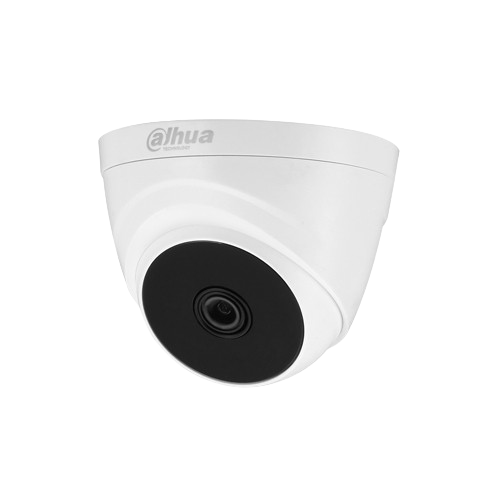
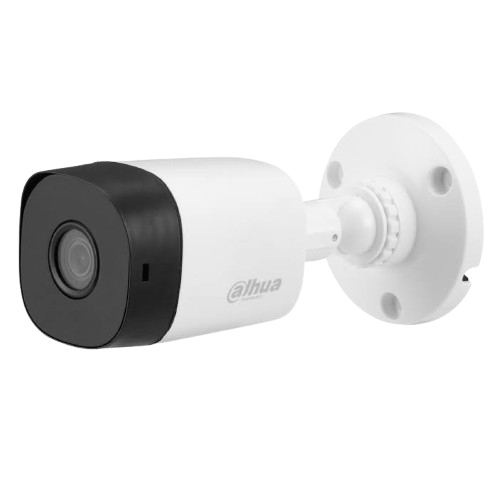
A DVR records analogue HD cameras (AHD, TVI or CVI) over coaxial cable, so it suits an existing coax installation. An NVR records IP cameras over network cable, usually powering them over the same cable with PoE, and supports higher resolutions and analytics. The recorder must match the camera type.
How much recording storage do I need? +
As a rough guide, one 2MP camera recording continuously at medium bitrate uses about 20GB to 30GB a day, so a 4-camera system typically needs 2TB to 4TB for two weeks of footage. Motion-triggered recording cuts that substantially. Always use a surveillance-rated hard drive, not a desktop one.
Can cameras see in the dark? +
Infrared cameras switch to black and white at night and light the scene with IR LEDs, which is invisible to the eye. Colour night vision cameras use a larger sensor and a white light or warm light to keep colour, which is more useful for identifying clothing and vehicles.
Will my cameras keep working during load shedding? +
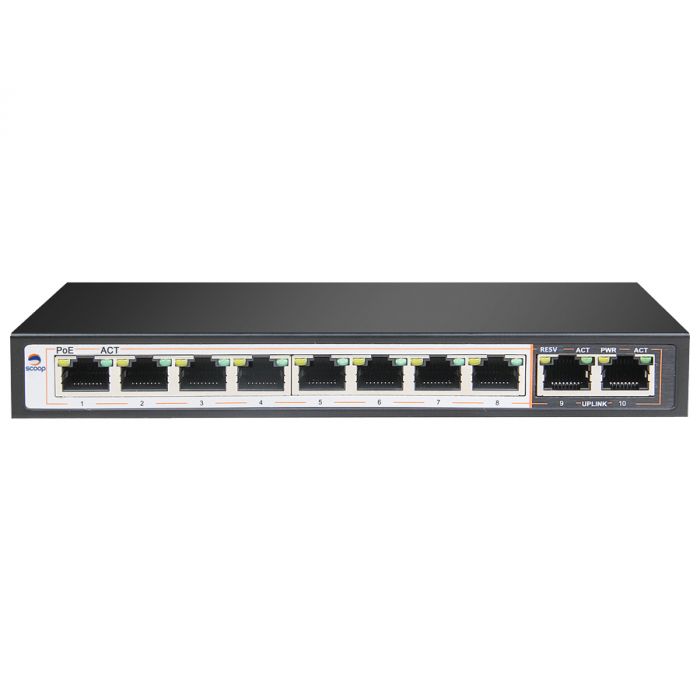
Only if the recorder, the switch or PoE injector and the router are all on backup power. Cameras draw little on their own, but the recorder and network gear are what fail first. A small UPS or inverter sized for the whole chain is what keeps footage and remote viewing alive.
Do I need to tell people they are being recorded? +
Under POPIA, camera footage of identifiable people is personal information. Visible signage at entrances, recording only what you need, and keeping footage secure and no longer than necessary are the practical steps. Cameras pointed at a neighbouring property or a public street raise additional issues.